"Three commands — init, up, and you're live on Azure. Let's deploy your first app and watch the cloud build itself."
Level: Beginner · Time: ~2 days · Prerequisites: Modules 2–3
Learning Objectives
By the end of this module, you will be able to:
- Start a project from a template with
azd init - Deploy it end-to-end with
azd up - Understand what happens during provisioning and deployment
- Tear it down cleanly with
azd down
1. Starting from a Template
The fastest way to see azd shine is to start from a ready-made template. Run:
azd initazd asks whether to start from a template and shows a gallery — a Python web app, a Node API, a container app, and more. Pick one and azd downloads the code, infrastructure, and config into your folder. If you already know which one you want, you can skip the gallery and name it directly: azd init --template todo-python-mongo.
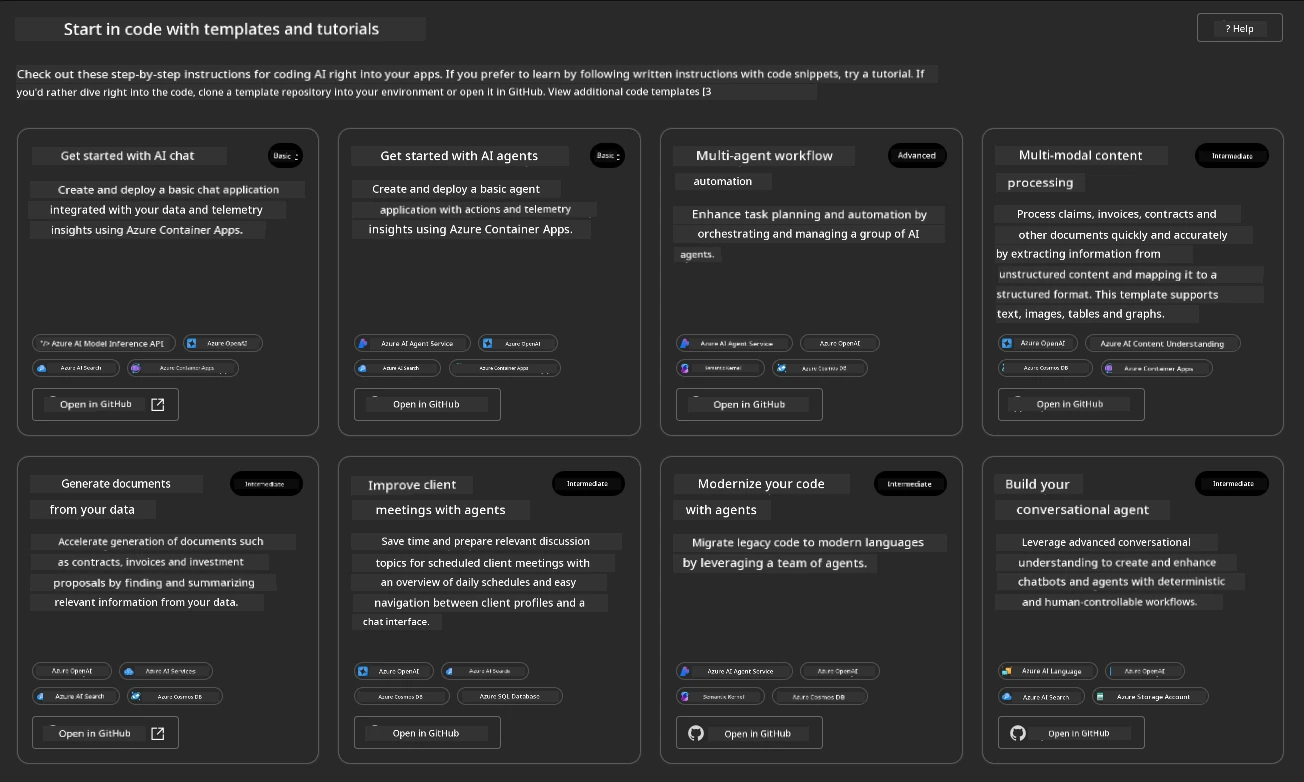
Concept: A template is a complete, working example. You're not building from a blank page — you're starting from something that already deploys, then customizing it.
2. The Magic Command: azd up
Now the headline moment:
azd upazd asks for an environment name, an Azure subscription, and a region, then does two big things in sequence:
- Provision — creates all the Azure resources your app needs (from the Bicep files).
- Deploy — packages your app and pushes it to those resources.
For example, you might name the environment hello-azd, pick your subscription, and choose East US. azd streams a live progress log as each resource comes up, then prints a summary and the live URL of your running app. The environment name becomes a label azd uses to group everything it creates — resources are typically tagged with it — so a clear name like hello-azd keeps dev, test, and prod easy to tell apart later.
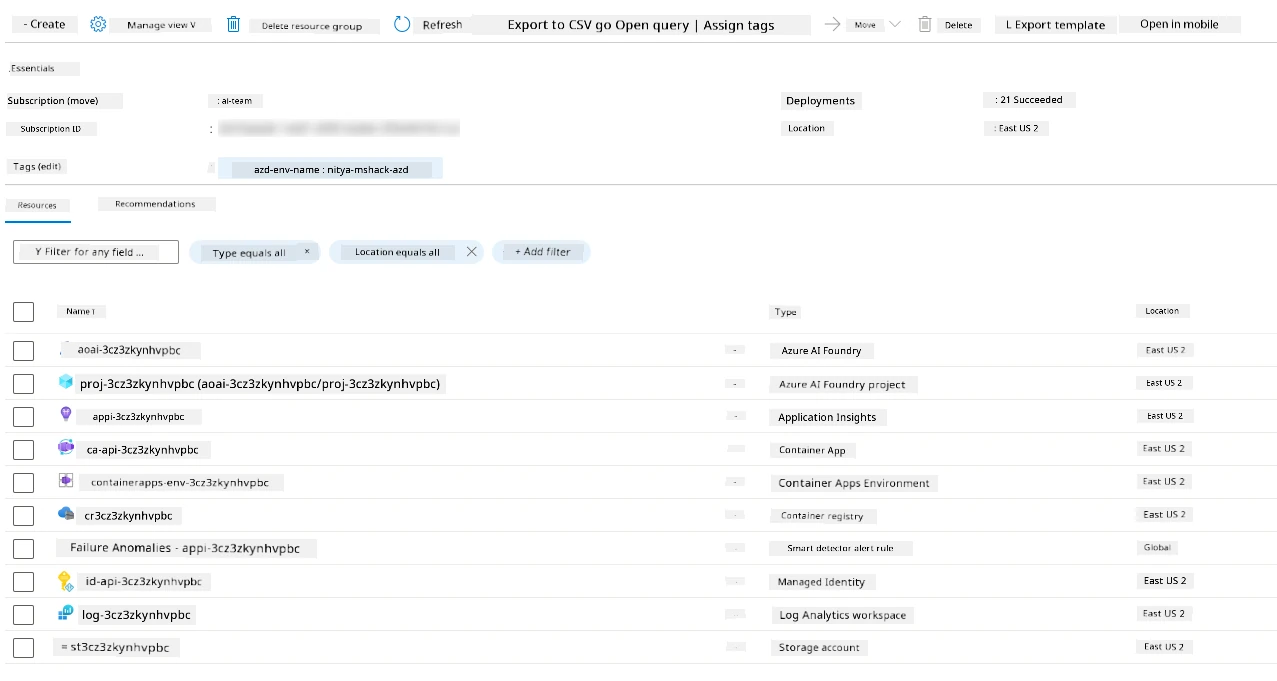
Explain like I'm new: azd up is like pressing "launch." It builds the cloud house (provision) and moves your app in (deploy), then hands you the front-door address.
3. Seeing It Run
Open the URL azd gave you and your app is live on Azure — a real HTTPS address anyone can reach, no manual portal clicking required.
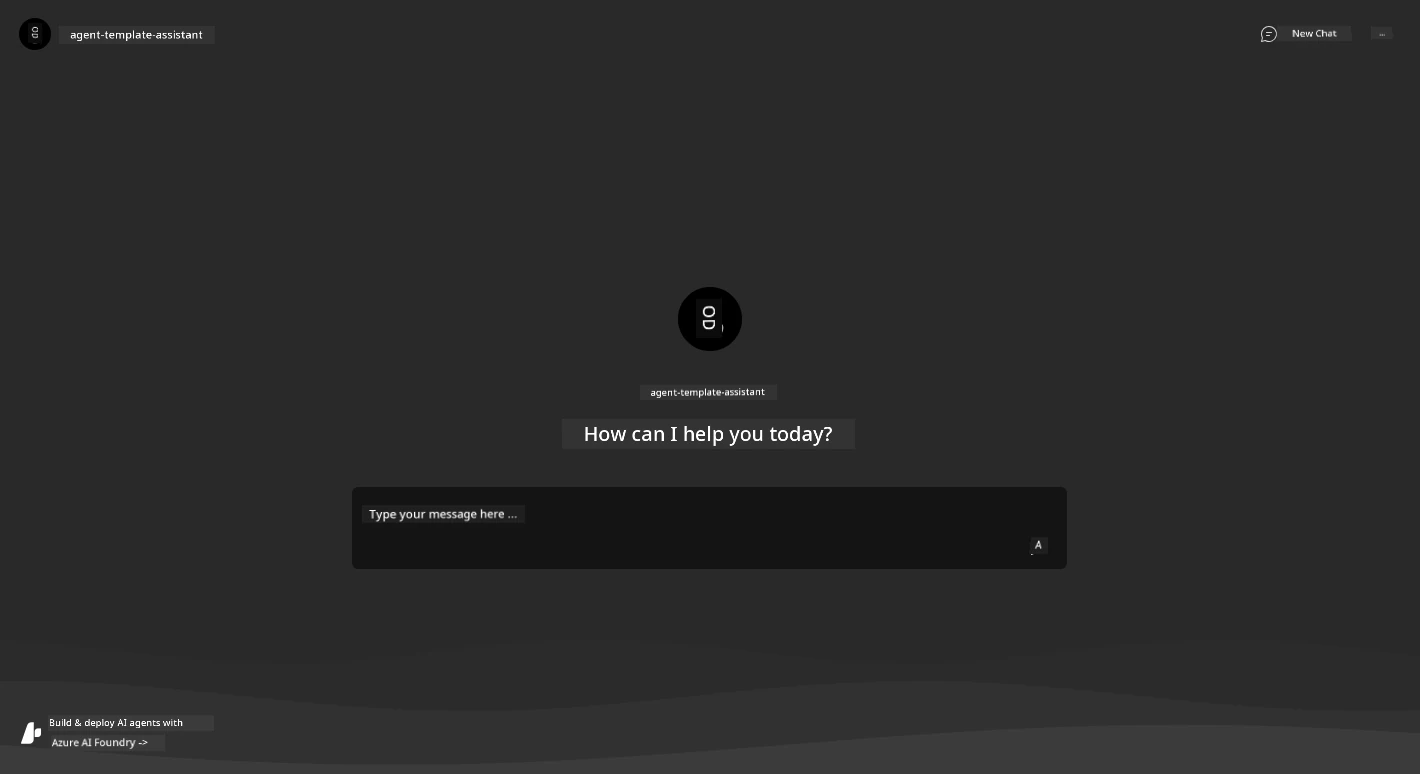
Try this: After azd up, note how long it took. What used to be an afternoon of manual setup just happened in minutes, and you can repeat it identically any time.
Real-world use case: A developer following a tutorial runs azd init then azd up, and pastes the printed URL into team chat minutes later — a working cloud demo with zero portal clicks, reproducible by anyone who clones the same template.
4. Making a Change
Edited your app code? You don't need the full azd up again — just redeploy the code:
azd deployThis skips provisioning (the infrastructure already exists) and only pushes your updated app — much faster, often finishing in well under a minute for a small service.
Concept: Separating provision (infrastructure) from deploy (code) is a core azd idea. Infrastructure changes rarely; code changes constantly. Redeploying just the code is quick and safe.
5. Cleaning Up
Cloud resources cost money while they exist. When you're done experimenting, remove everything azd created:
azd downazd lists what it will delete and asks you to confirm, so nothing disappears by accident. Because your environment is defined by code, a later azd up rebuilds the very same setup — deleting is safe, not permanent.
Common mistake: Forgetting azd down after a demo and getting a surprise bill. Whenever a deployment is just for learning, tear it down when you finish — you can always azd up again later.
✅ Checkpoint
- What two phases does
azd uprun, in order? - If you only changed app code, which command redeploys fastest?
- What does
azd downdo, and why use it?
Answers: 1) Provision (create resources) then deploy (push the app). 2) azd deploy — it skips provisioning. 3) It removes all resources azd created, so you stop paying for a deployment you no longer need.
Key Takeaway: Your first azd project is three commands: azd init to start from a template, azd up to provision infrastructure and deploy in one step (it prints your live URL), and azd down to clean up. For code-only changes, azd deploy redeploys quickly without touching infrastructure. That loop — init, up, deploy, down — is the rhythm of working with azd.
Further Learning
Part of "AZD for Beginners." Adapted from Microsoft's open AZD curriculum (MIT License).