"You wrote an app. Now it needs to live on the cloud. AZD turns that whole journey into a single command:
azd up."
Level: Beginner · Time: ~1 day · Prerequisites: basic command-line comfort
Learning Objectives
By the end of this module, you will be able to:
- Explain what the Azure Developer CLI (azd) is and the problem it solves
- Describe how azd templates bundle code, infrastructure, and config
- Recognize the core azd commands you'll use throughout this track
- Tell the difference between azd and the classic Azure CLI
1. From Code to the Cloud
Writing an app is only half the job. To actually run it on Azure you normally have to create resources (servers, databases, storage), configure networking and secrets, package the app, deploy it, and wire up monitoring — many manual, error-prone steps across several tools.
AZD (the Azure Developer CLI) collapses that journey into a handful of commands. Its headline move, azd up, provisions the cloud infrastructure and deploys your app in one go.
Explain like I'm new: If deploying an app is like moving into a new house — build it, connect water and power, furnish it, move in — azd is the moving company that does all of it in one trip. You say "go," and your app is live.
2. Templates: Code + Infrastructure + Config Together
The secret to azd is the template: a project that bundles three things —
- your application code,
- the infrastructure as code (IaC) that defines the Azure resources (usually Bicep, sometimes Terraform), and
- an
azure.yamlfile that tells azd how the pieces fit together.
Because everything travels together, anyone can clone the template, run azd up, and get an identical environment in the cloud.
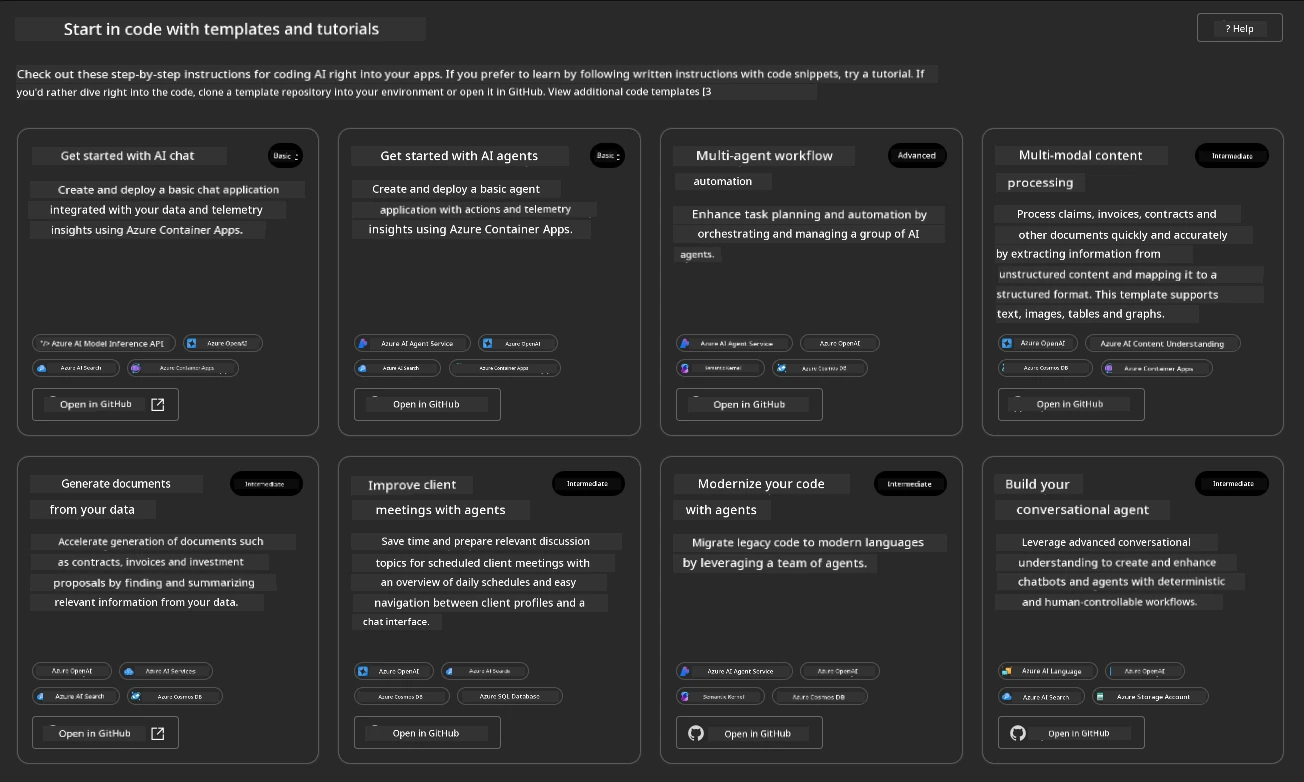
Concept: azd is app-centric, not resource-centric. You think in terms of "my app and its environment," and azd handles the individual Azure resources underneath.
3. The Commands You'll Use
A few commands cover most of what you'll do — you'll meet each in depth later:
| Command | What it does |
|---|---|
azd init | Start a project (from a template or your own app) |
azd up | Provision infrastructure and deploy (the big one) |
azd provision | Create/update just the Azure resources |
azd deploy | Push just your app code |
azd monitor | Open dashboards for your running app |
azd down | Tear everything down to stop costs |
Try this: Read that table as a story: init to start, up to launch, deploy to update, down to clean up. That four-verb loop is the heart of the whole tool.
4. AZD vs the Azure CLI (az)
Azure already has a CLI called az. Why another one? They serve different needs:
azis granular and universal — one command per resource ("create a storage account"). Powerful, but you assemble everything yourself.azdis opinionated and end-to-end — it orchestrates many resources plus your app around a template, for the common "build an app, ship it" workflow.
They're complementary: azd often calls az under the hood, and you can drop to az for fine-grained tasks.
Common mistake: Expecting azd to replace az for every Azure task. azd shines for the whole app lifecycle; for one-off resource tweaks, az is still the right tool.
5. Why It Matters
azd shortens "it works on my machine" to "it works in the cloud" from days to minutes, and makes deployments repeatable — the same template gives the same result for every teammate and every environment. That reliability is exactly what this track will teach you to harness.
Real-world use case: A team open-sources a template for a chat app. A new developer clones it, runs azd up, and has a fully working Azure deployment — infrastructure, app, and monitoring — before their coffee is cold.
✅ Checkpoint
- What does the single command
azd updo? - What three things does an azd template bundle together?
- How is azd different from the classic
azCLI?
Answers: 1) It provisions the Azure infrastructure and deploys your app in one step. 2) Application code, infrastructure as code (Bicep/Terraform), and an azure.yaml config. 3) azd is app-centric and end-to-end around a template; az is granular, one command per resource.
Key Takeaway: The Azure Developer CLI (azd) takes you from code to a running cloud app with a few commands — above all azd up, which provisions and deploys together. It works through templates that bundle app code, infrastructure as code, and an azure.yaml, making deployments fast and repeatable. It complements, rather than replaces, the granular az CLI.
Further Learning
Part of "AZD for Beginners." Adapted from Microsoft's open AZD curriculum (MIT License).